

WorkLogx Agent · Part of WorkLogx AI
Spot unassigned tasks. Suggest people. You decide.
WorkLogx Agent answers questions about your planning and, on request, regularly checks which tasks are still unassigned. It prepares suitable staff assignments for your approval.
Optional with WorkLogx AI – the add-on to the business package.
Ask questions
Questions in everyday language.
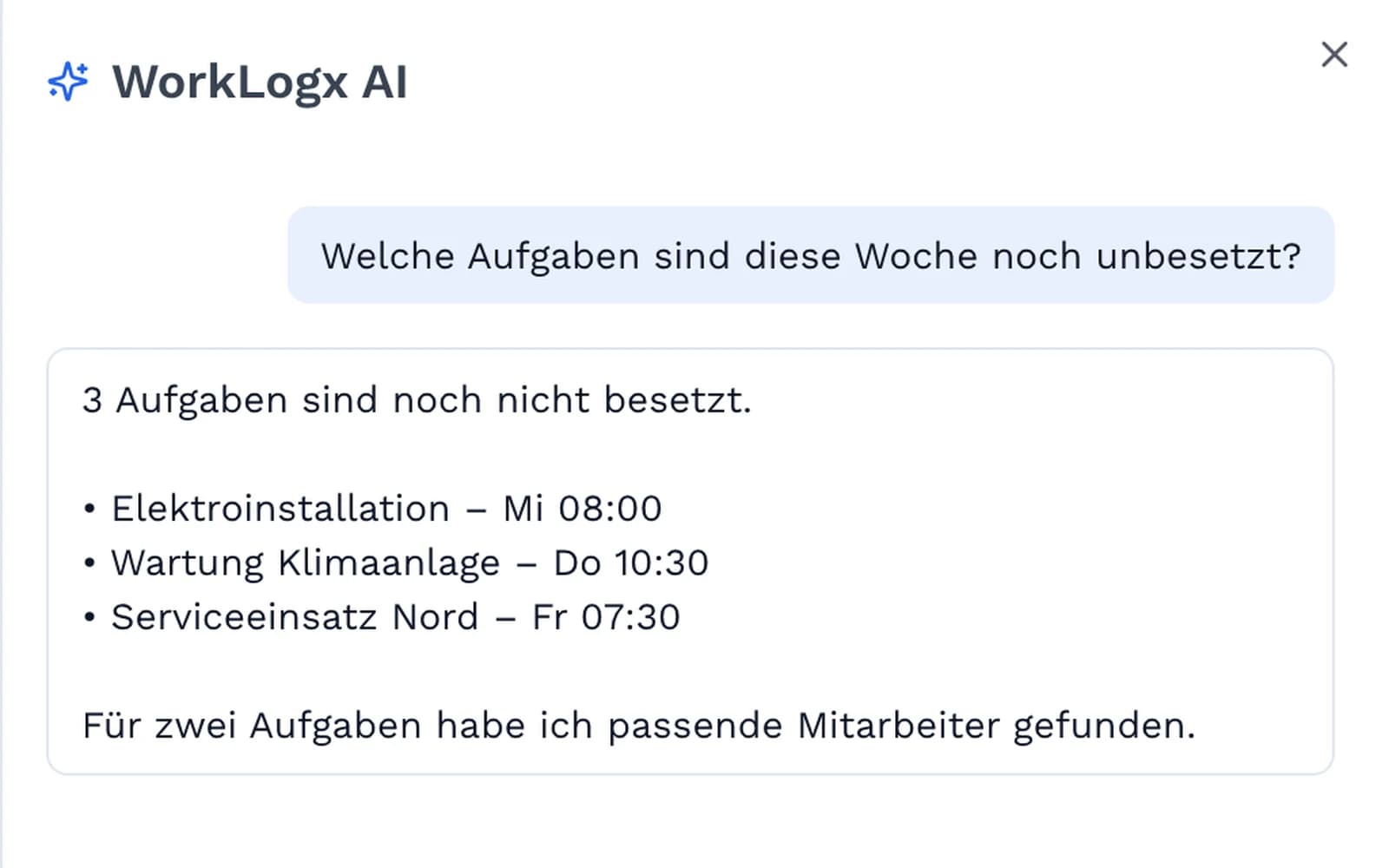
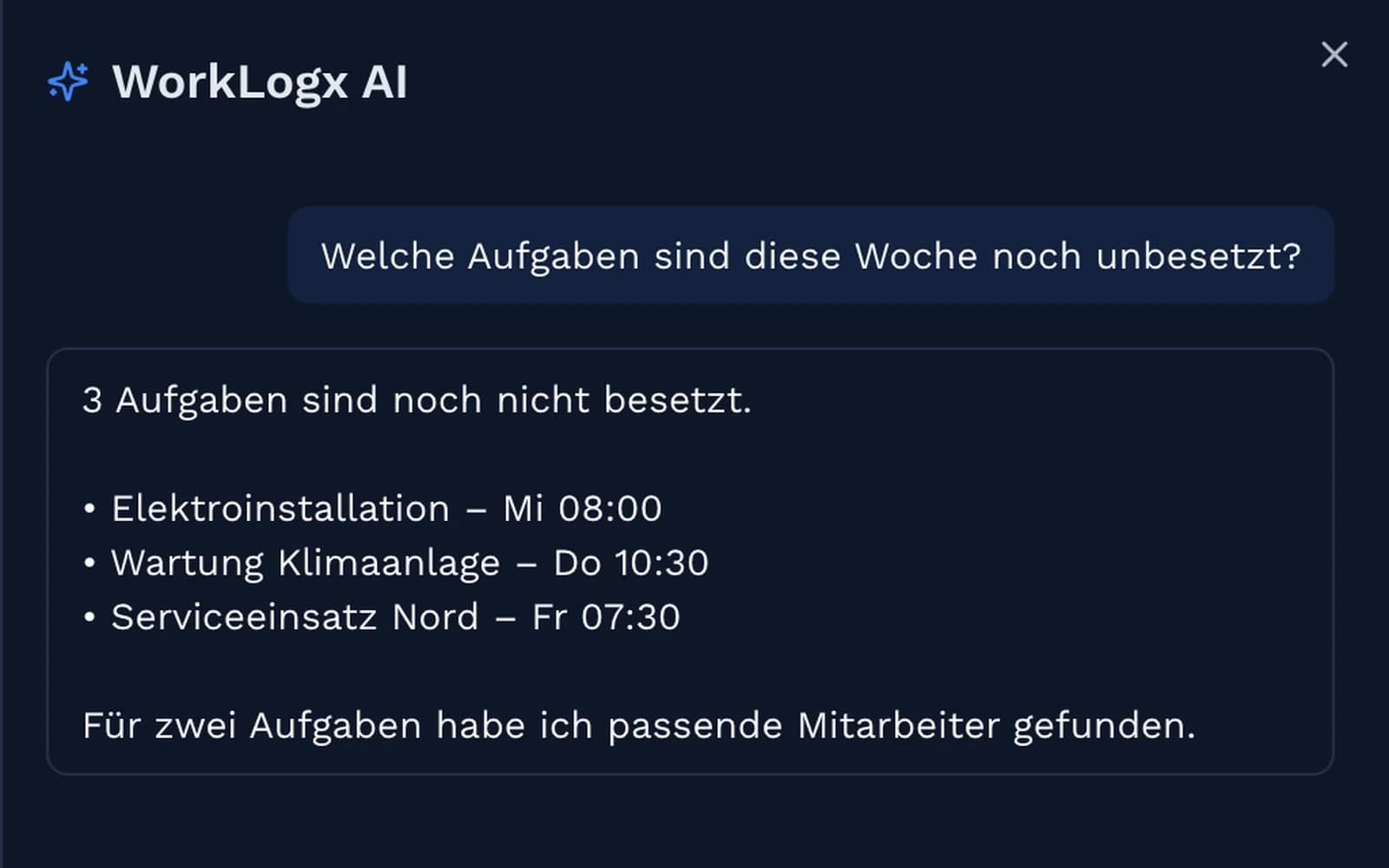
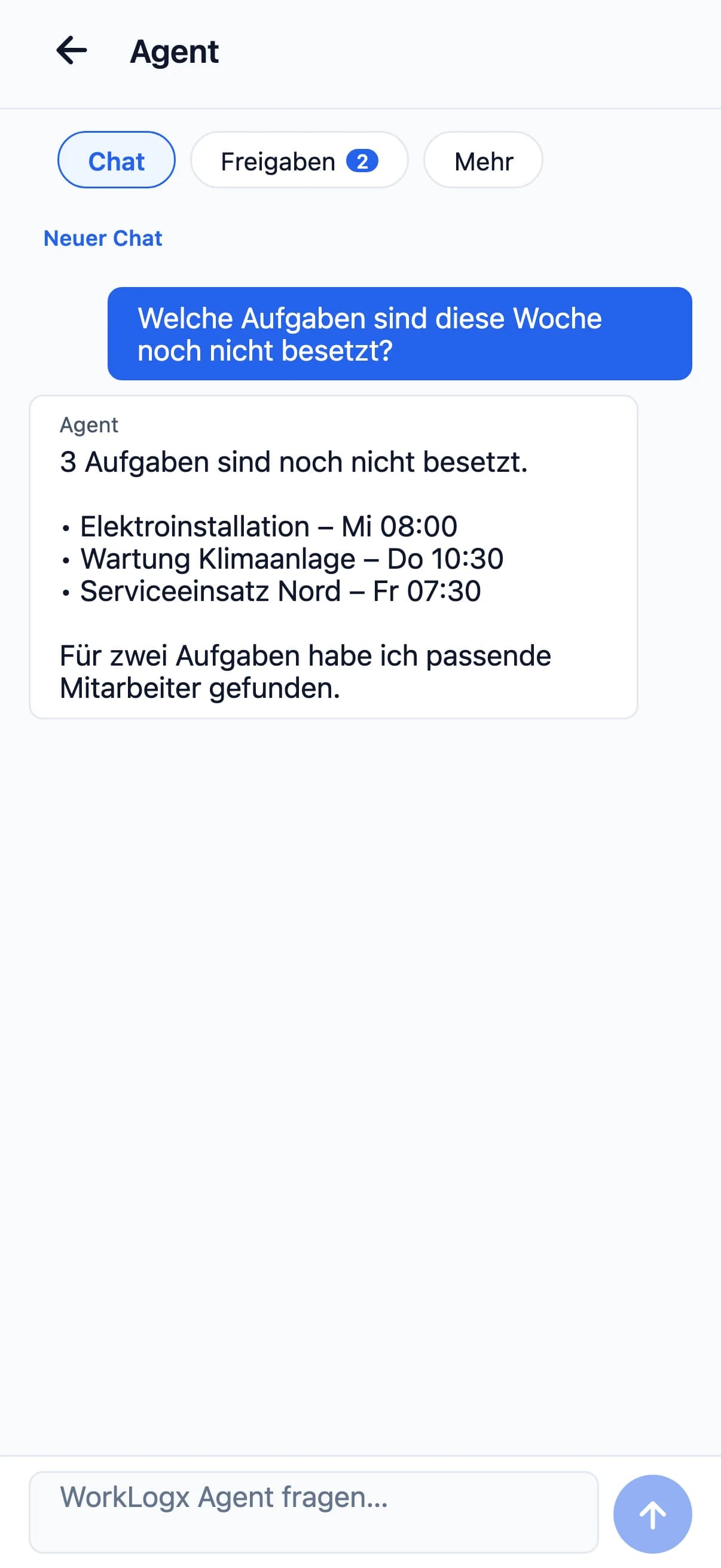
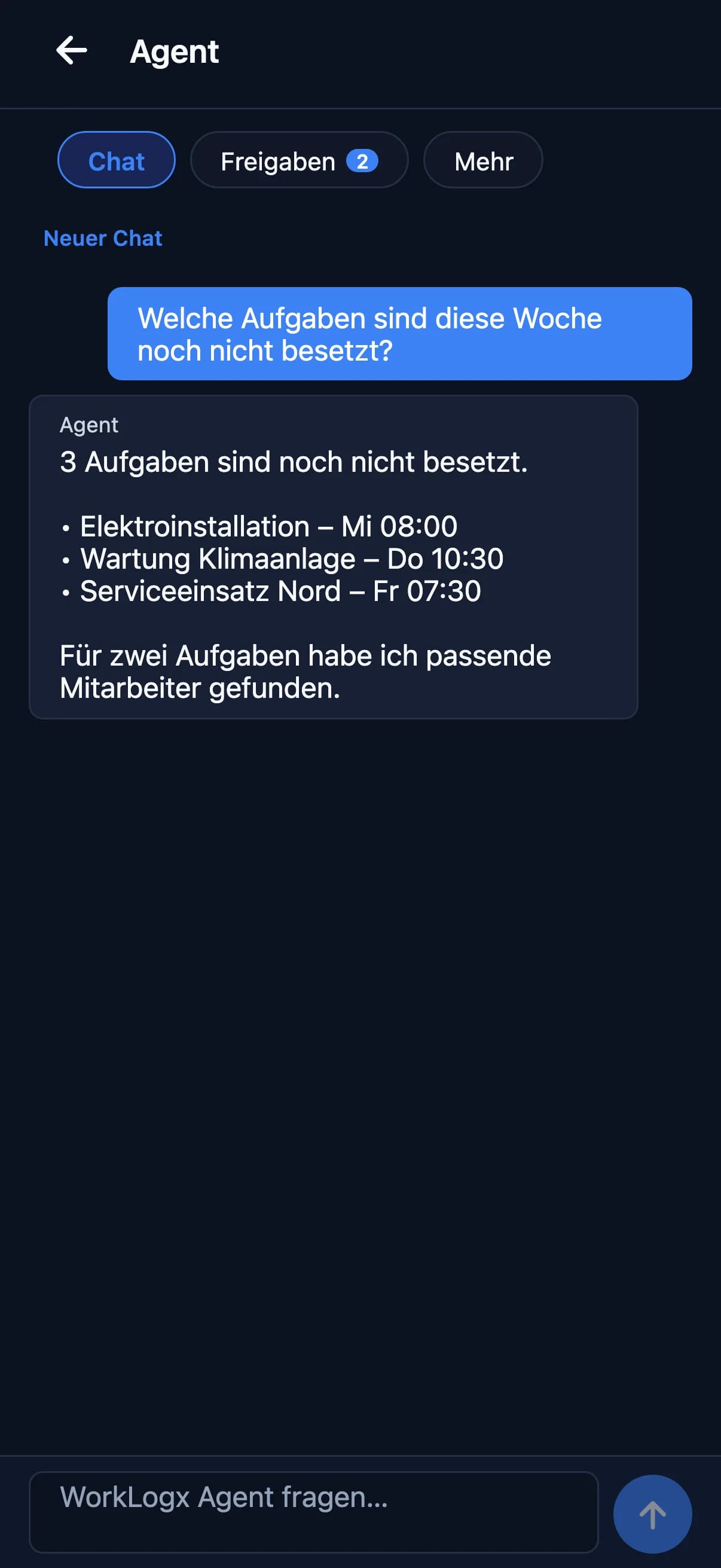
Ask the way you would ask in the office. The agent answers with the affected tasks and dates.
“Which tasks are still unassigned this week?”
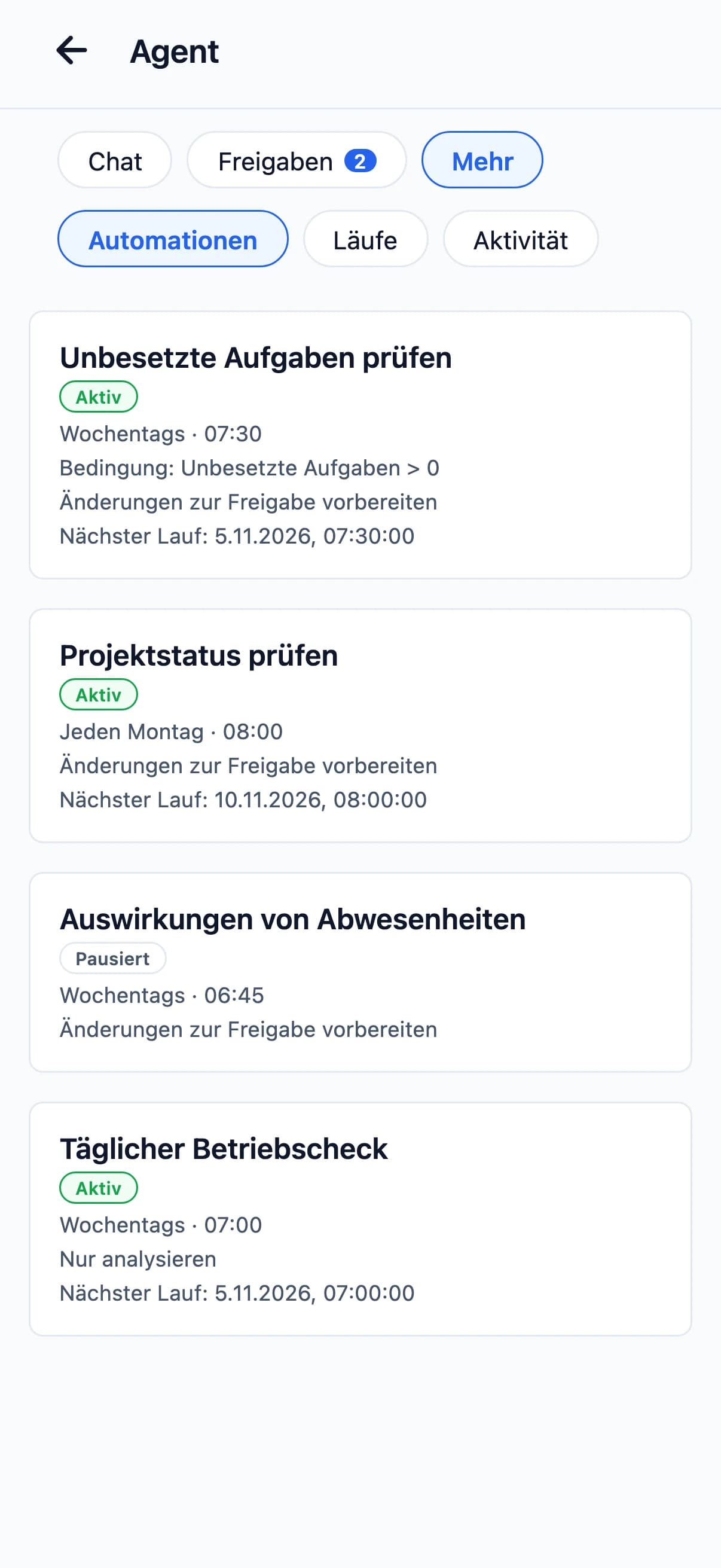
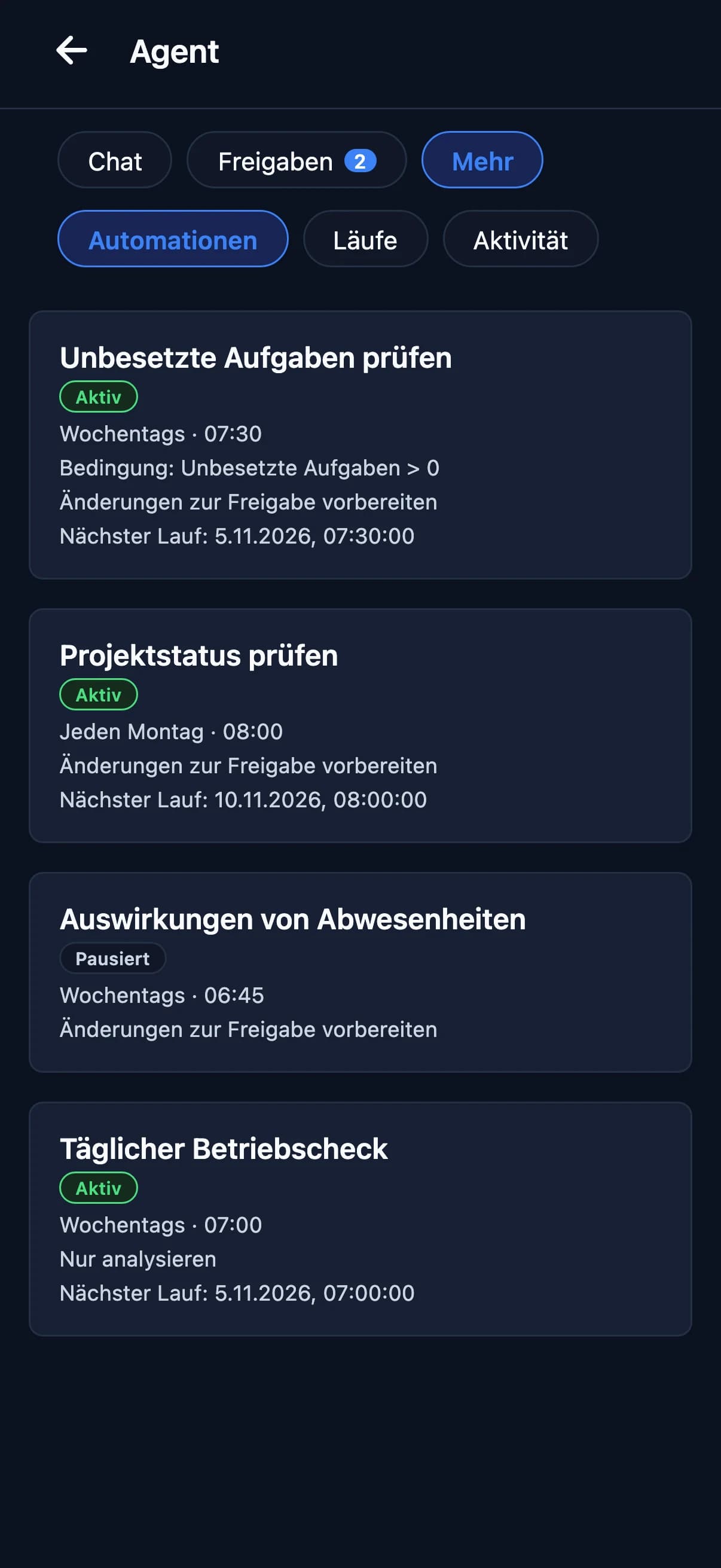
Regular checks
Checks on a schedule you set.
You set up checks and decide when they run – for example on weekdays at 07:30: which tasks are still unassigned?
- Set a schedule per check
- Analyse only, or prepare changes for approval
- Pause checks when needed
Times shown in the screens are examples.
Suggestions & approvals
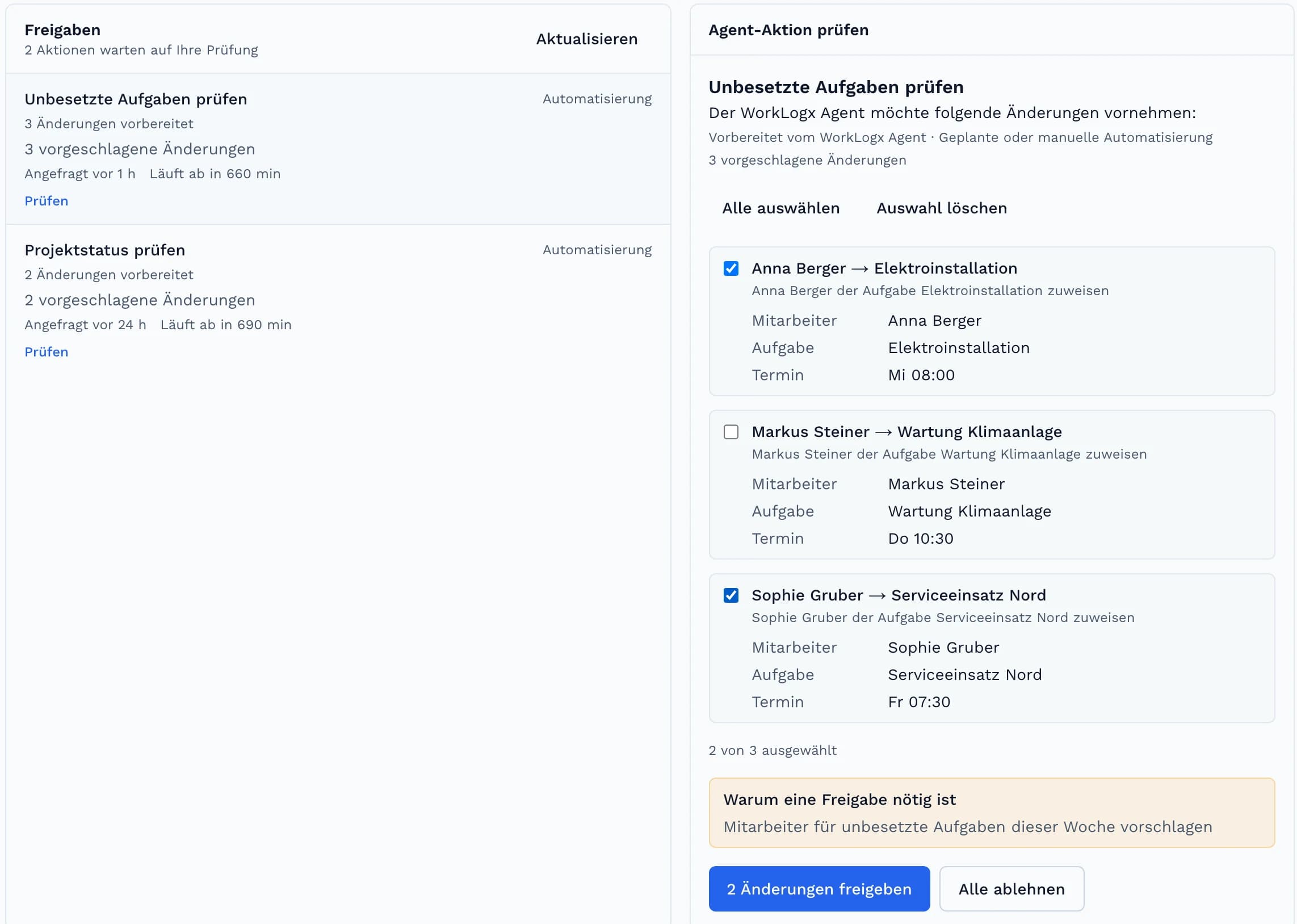
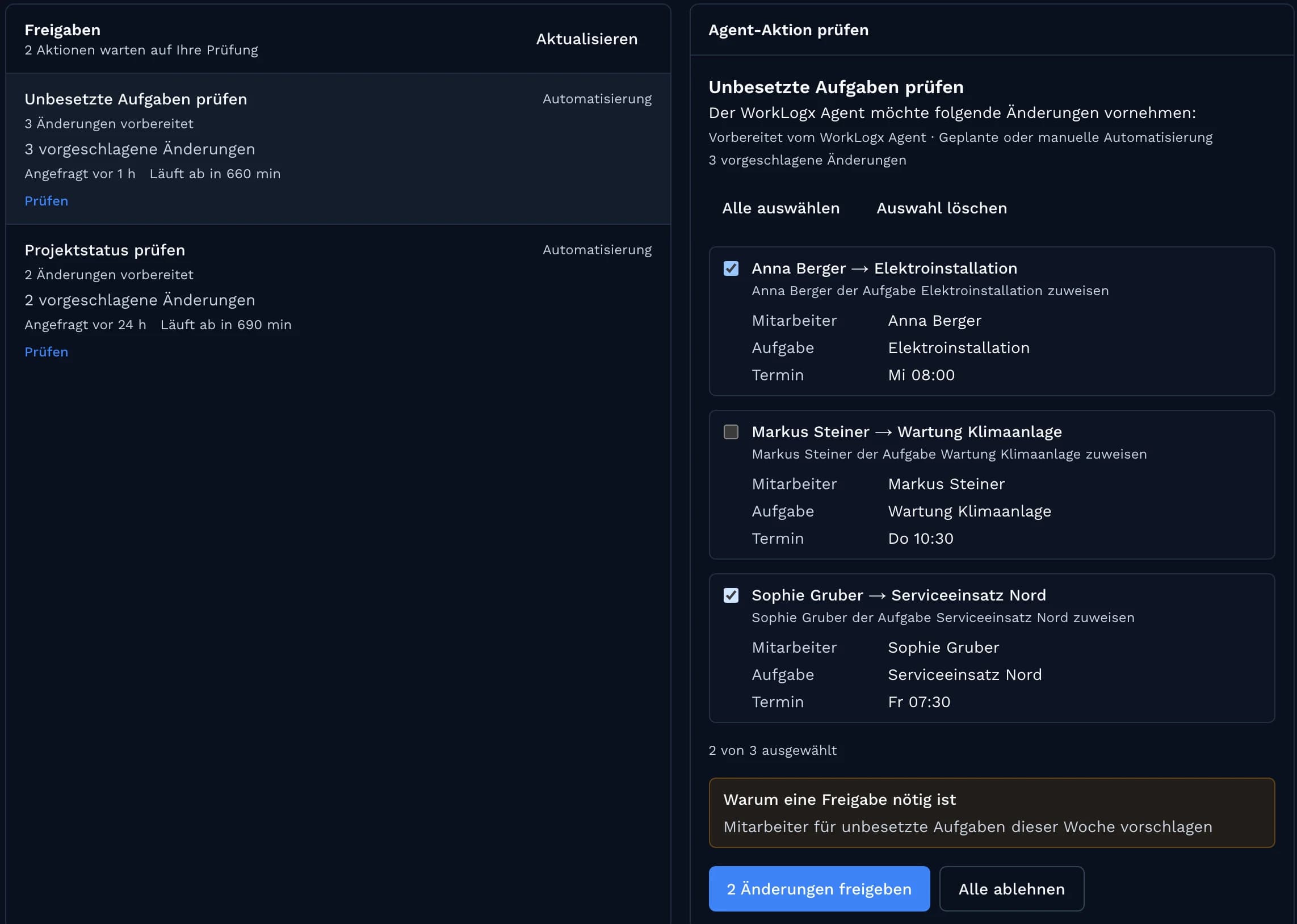
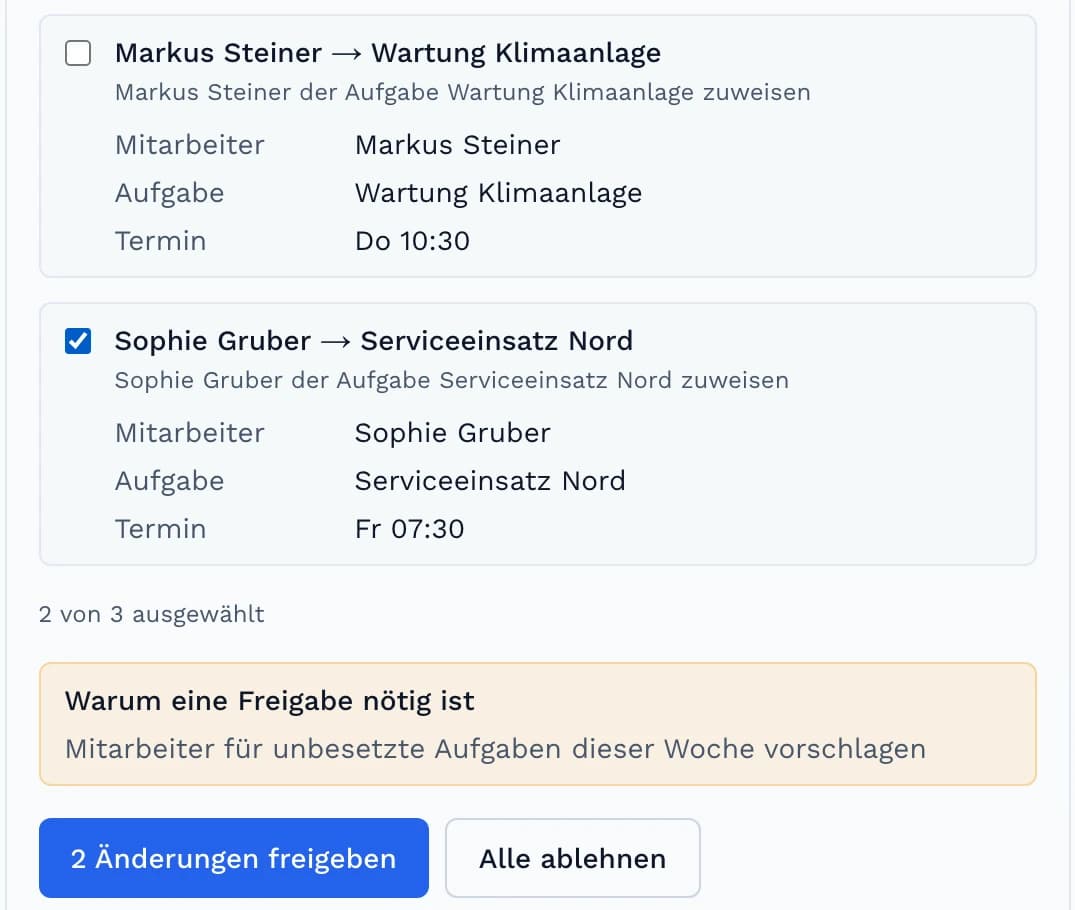
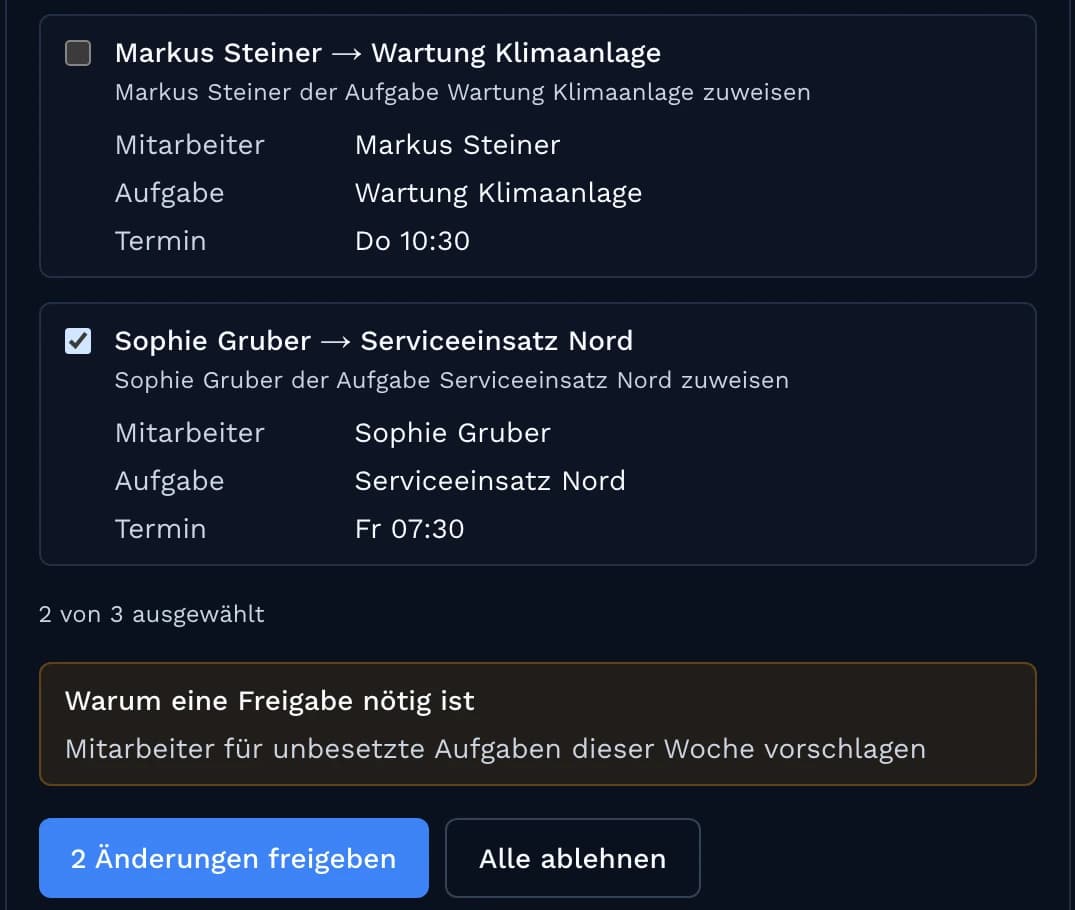
Several suggestions – you apply only what fits.
Select individual suggestions, for example 2 of 3, and approve them together. Reject the rest.
- Every suggestion shows employee, task and date
- Select one by one or all at once
Office & field
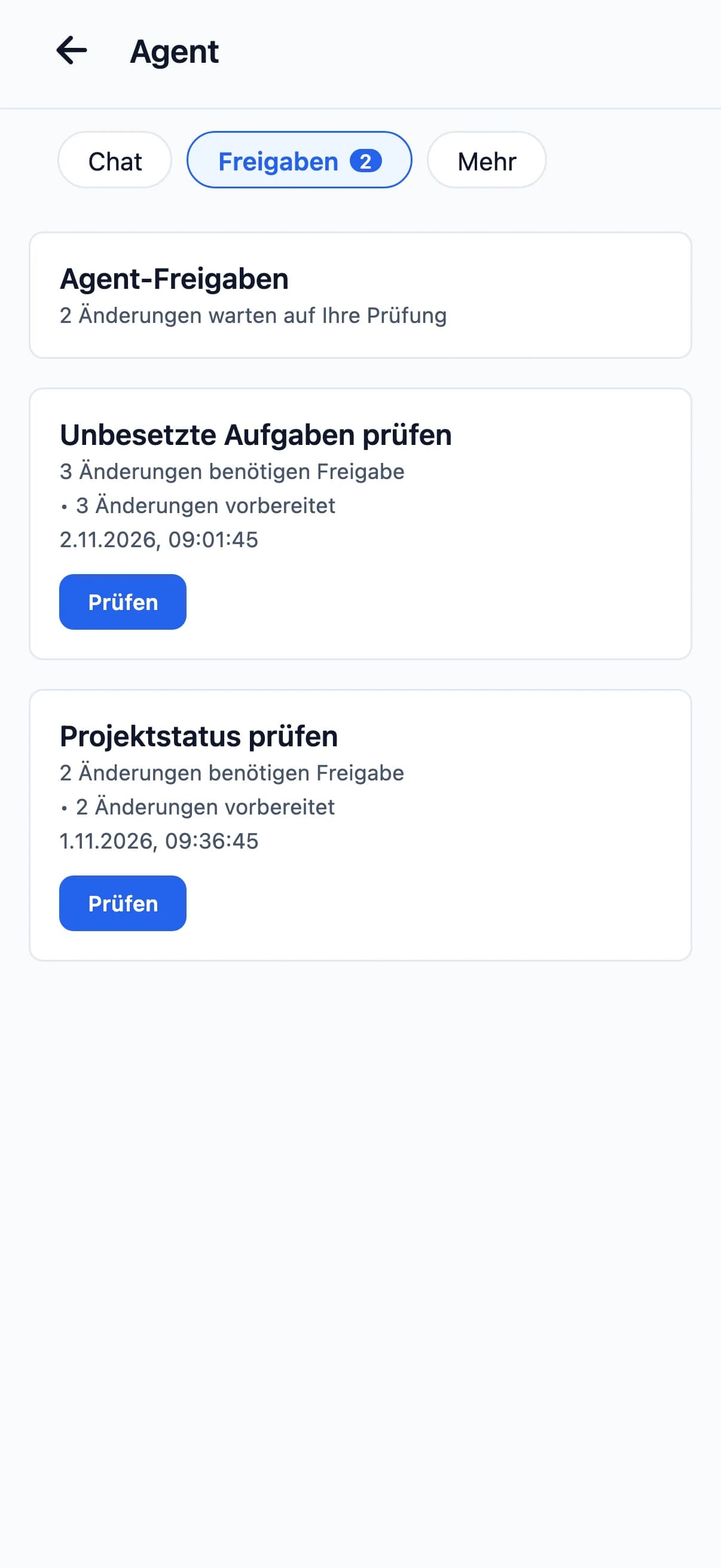
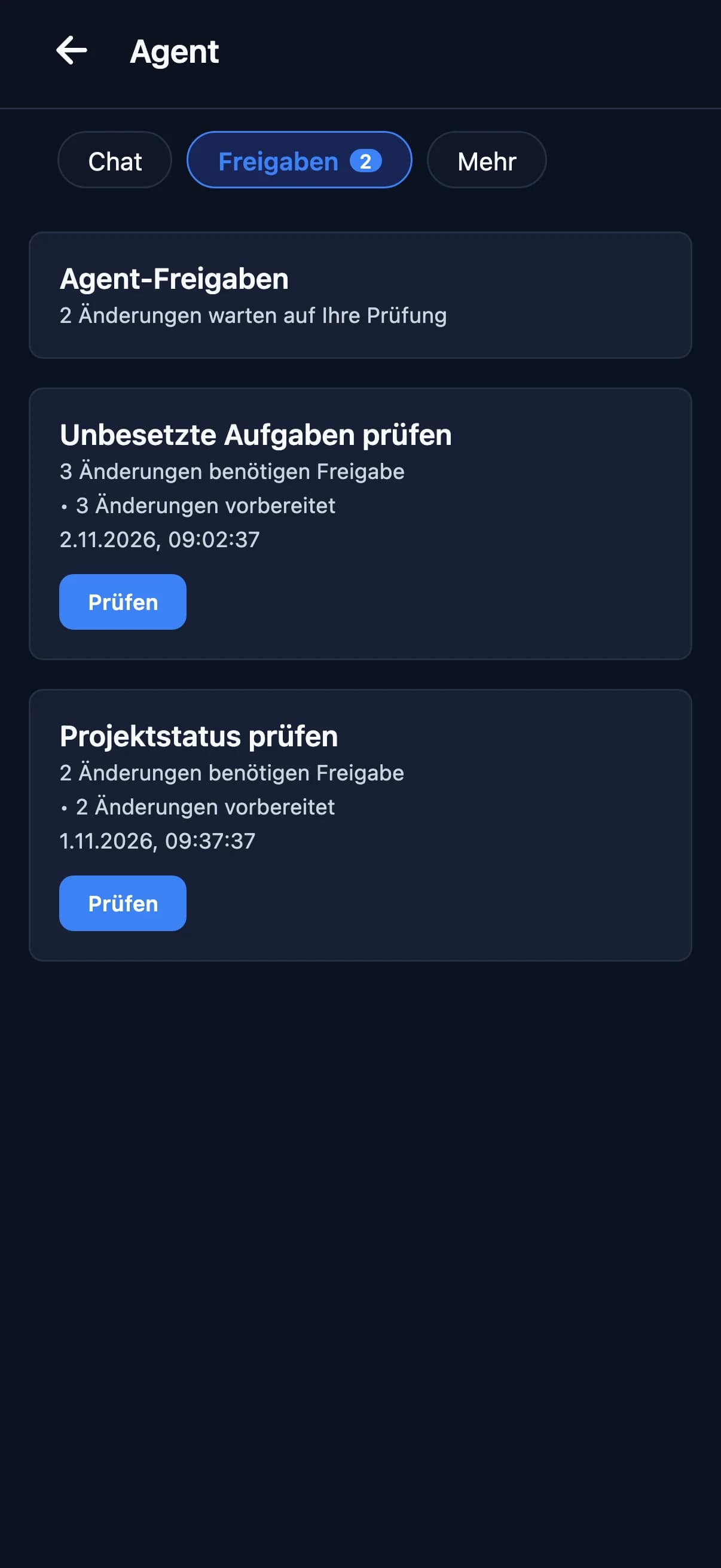
Review and decide in the browser or on mobile.
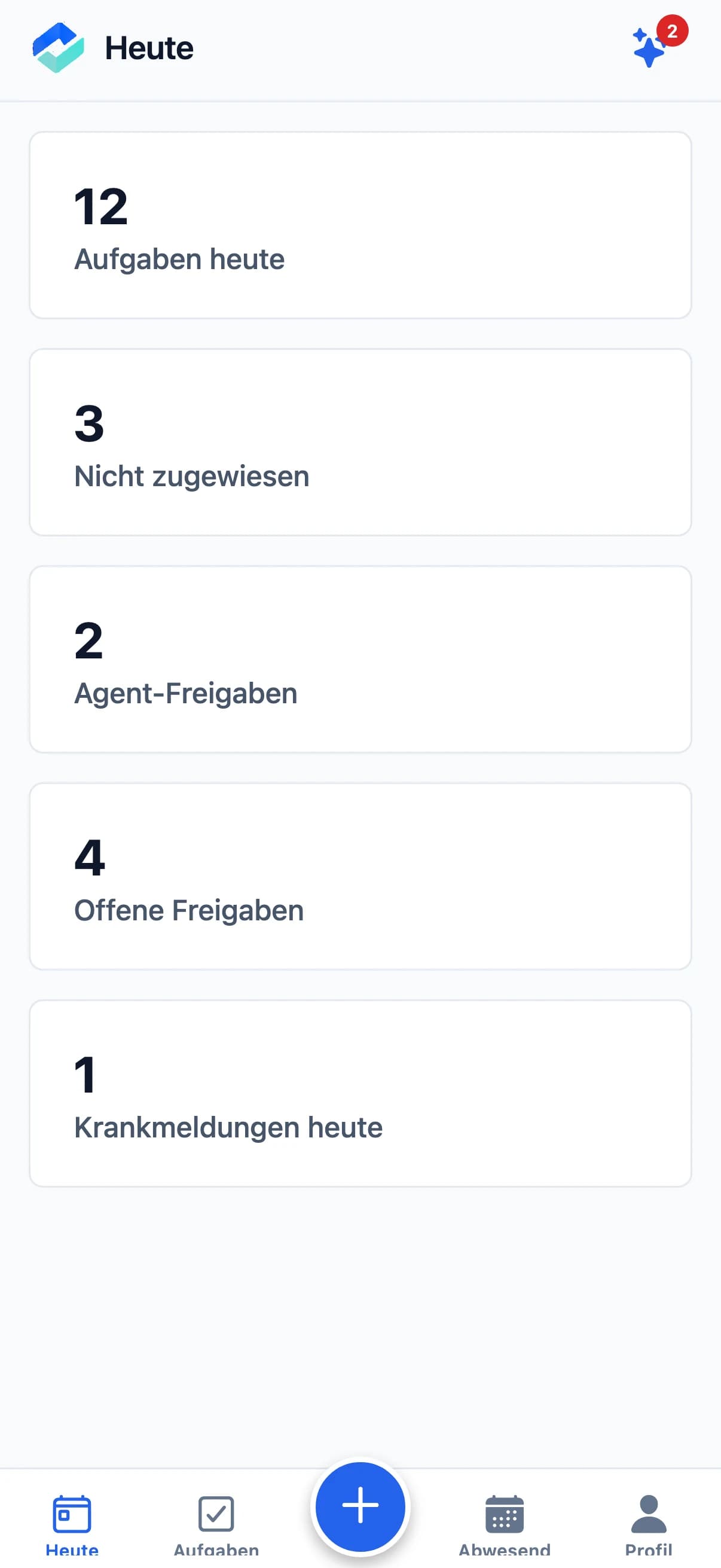
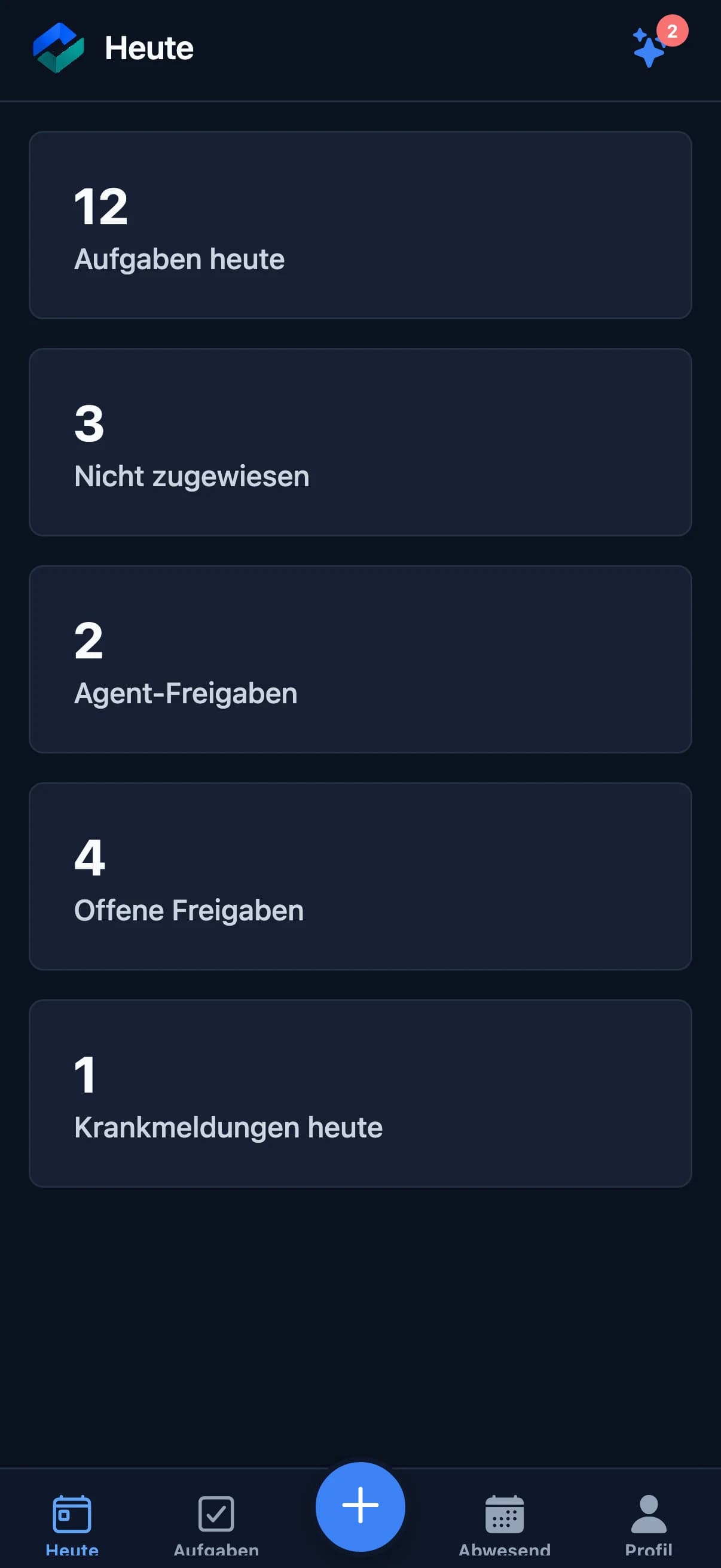
Office & managers
Review and approve suggestions – on screen in the office or in the app on the road.
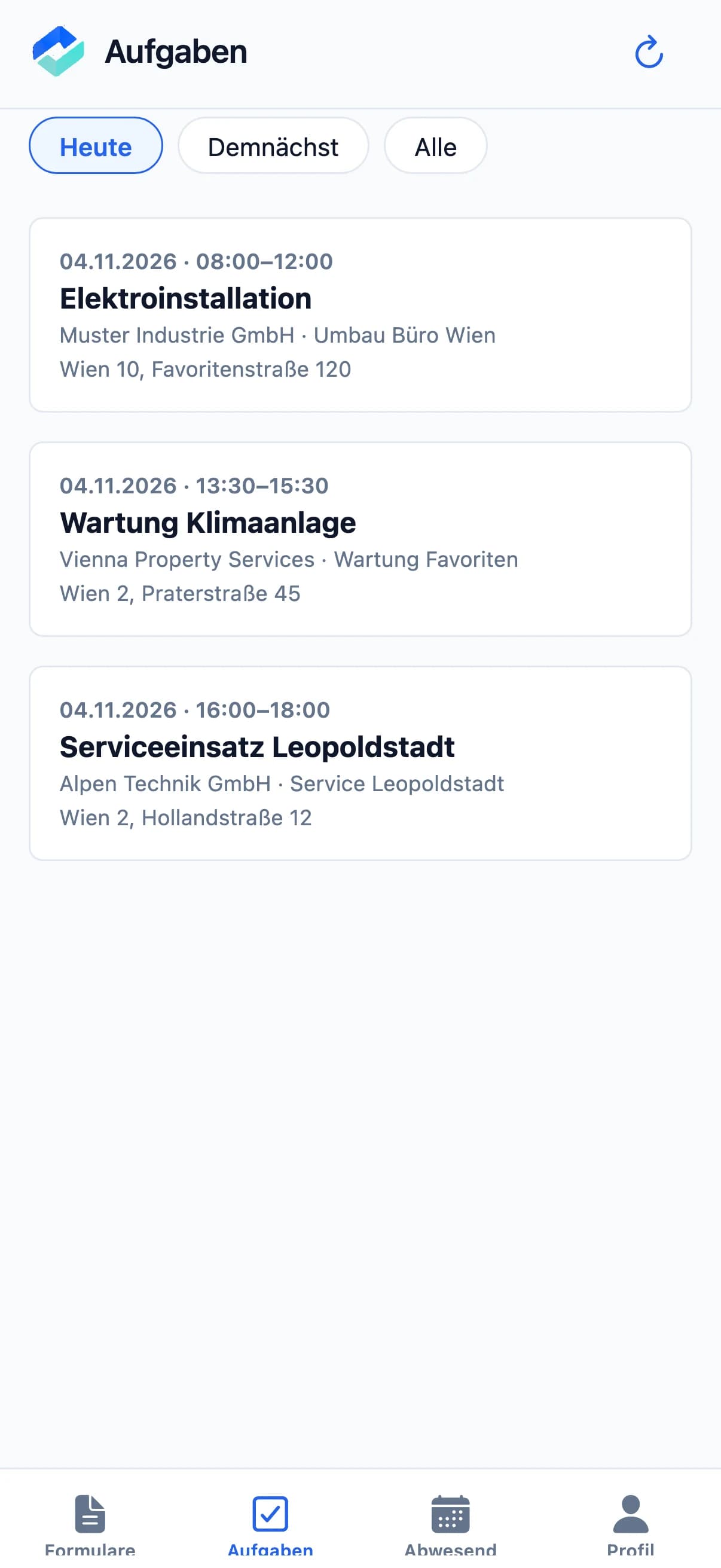
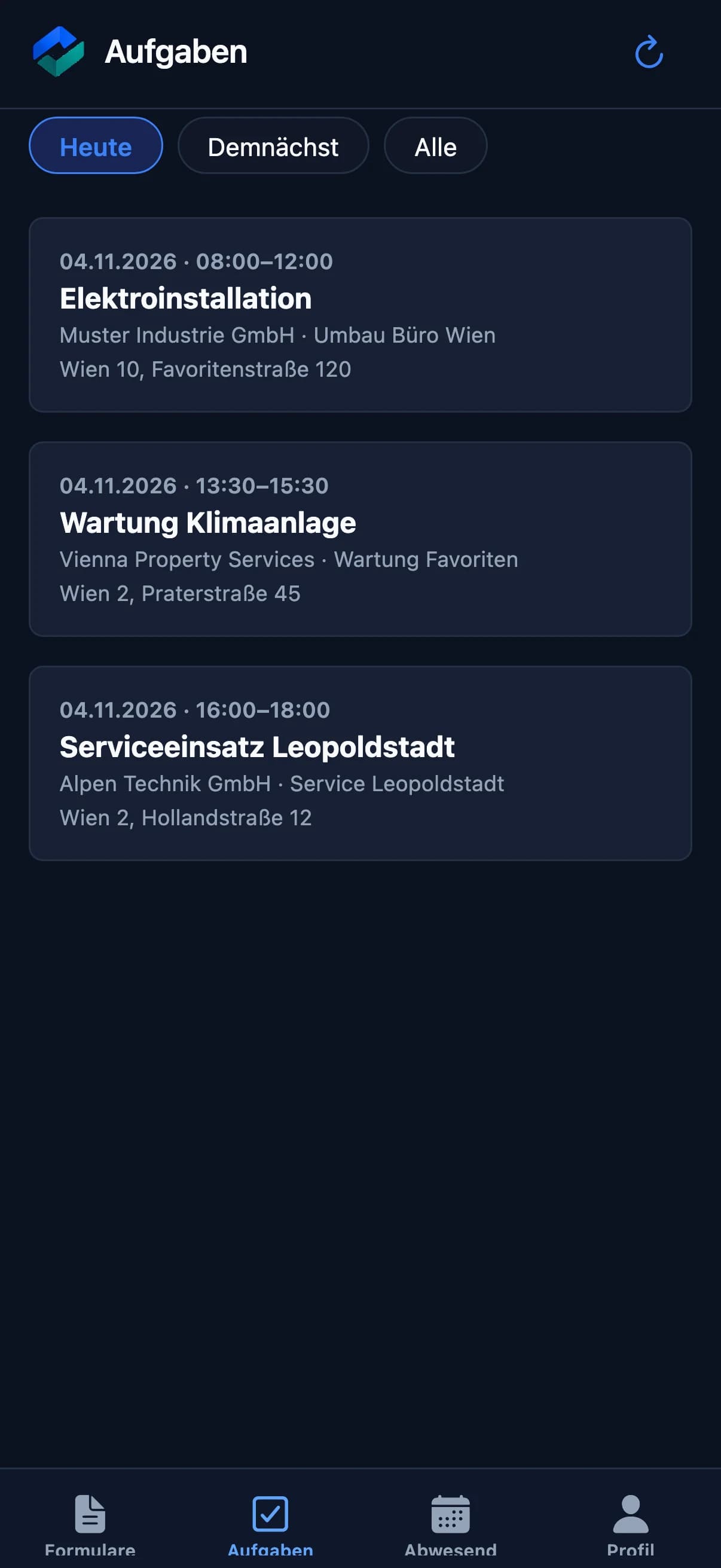
Field staff
For field staff the app stays as simple as before: their tasks, forms and records. They currently do not see the agent.
Questions about WorkLogx Agent
- Are suggestions applied automatically?
- No. Suggested staff assignments are applied only after your approval. You can select individual suggestions and reject the others.
- When does WorkLogx check?
- At the times you set – for example on weekdays at 07:30. Checks can be paused.
- Do field staff see the agent?
- Not currently. WorkLogx Agent is meant for the office and managers. Field staff keep working with their tasks in the app as usual.
- Is WorkLogx Agent a separate package?
- No. WorkLogx Agent is part of WorkLogx AI, the optional add-on to the business package.
Custom solution, integration or On-Premise operation? Available on request – talk to our sales team.
Contact salesGet to know WorkLogx Agent in person.
We show you WorkLogx and the agent in a personal conversation.
Get to know us in person · No obligation