

TOPIC
Job scheduling: who, when, where – in one place.
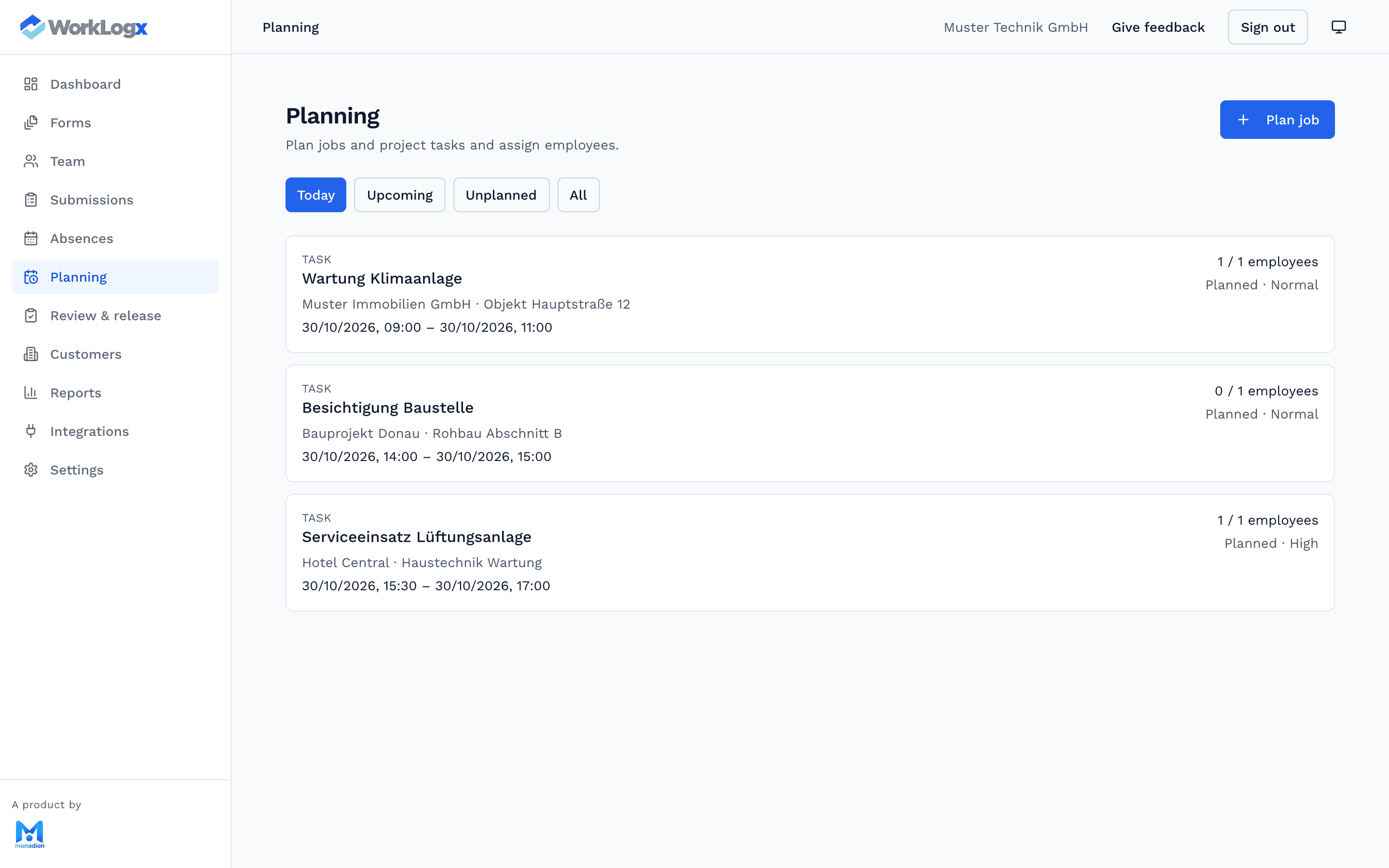
The office plans tasks and dates, assigns employees and sees unplanned work. The team sees its jobs in the app.
In short
Job scheduling in WorkLogx means tasks are created in the office, scheduled and assigned to employees; Smart Planner suggests staffing by qualification and availability.
What scheduling covers
- Create and prioritise tasks
- Assign employees and schedule dates
- Keep unplanned tasks in view
- Smart Planner: staffing suggestions by qualification and availability
- Absences from vacation and sick leave
- Office view in the app: today overview, team tasks, assigning
How scheduling works
Tasks are created in the office, often from a customer order. Required skills with a minimum level can be set per task.
With “suggest employees” Smart Planner lists suitable people by skill coverage and availability. If you also use WorkLogx AI, you can get task suggestions for planning as well.
Frequently asked questions
- Do I need WorkLogx AI for Smart Planner?
- No. Smart Planner is part of the business package and is not an AI feature.
- Are vacations considered in staffing suggestions?
- Yes. Absences feed into Smart Planner's availability check.
- Can I assign jobs on the go?
- Office users get a simple office view in the app with a today overview and team tasks and can assign there.
Get to know WorkLogx for your business.
In person · No obligation – we look at your workflow and prepare a suitable offer.